
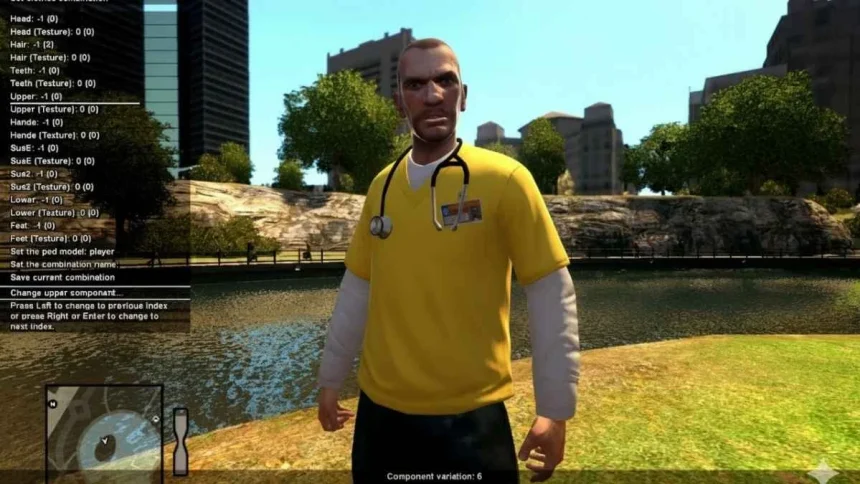
GTA 4 remains one of the most loved titles in the Grand Theft Auto series. Its detailed storyline and open-world gameplay keep fans engaged even years after release. Over time, the modding community has introduced a variety of mods that improve visuals, add new content, and allow players to customize different aspects of the game. One popular request among players is the ability to change suits in GTA 4, and thanks to mods, this is possible.
Changing Suits in GTA 4 with Mods
While the base version of GTA 4 offers some clothing options, it does not allow advanced customization. To go beyond what the game provides, players can use the Console Visuals mod by Nexusmods. This mod enhances the game’s visuals and also includes an optional feature that lets players change suits.
Here’s a simple guide to do it:
- Download the Console Visuals mod from Nexusmods or your trusted repository.
- Install the required dependency called Fusion Fix.
- During installation of Console Visuals, check the option for Console Suits.
- Once installed, launch the game to access new suit styles and designs.
What the Console Visuals Mod Offers
This mod is not limited to clothing changes. It also brings:
- Improved textures and visual assets from the console edition.
- Better trees and environment details.
- Enhanced pedestrians and loading screens.
- Options to tweak HUD and menus (available in The Complete Edition).
Things to Keep in Mind
Since mods are third-party tools, it’s important to back up your save files before installing them. This prevents data loss in case of crashes or errors. Mods may also conflict with each other, so it is best to install carefully and follow the instructions provided by creators.

Also Read: China Open 2025 Final: Jannik Sinner vs Learner Tien