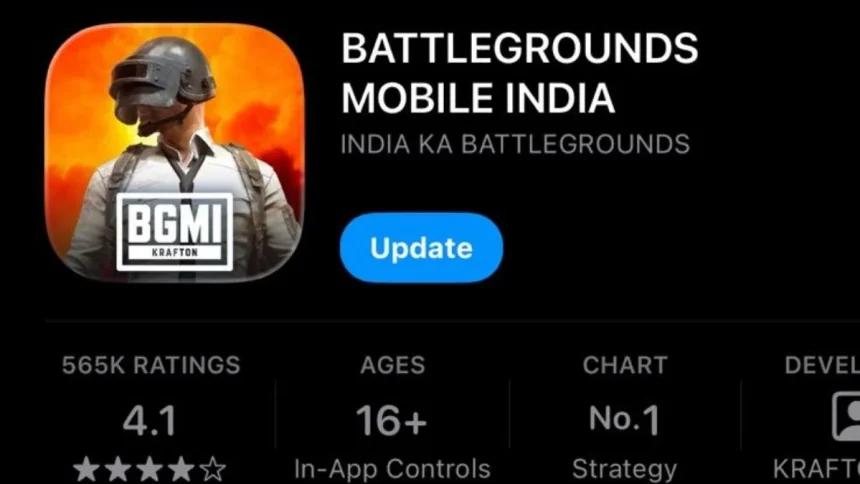
Krafton India has finished rolling out the BGMI 4.2 update, and players can now download it on both Android and iOS devices. After a short delay earlier in the day due to a crash problem, the team fixed the issue and made the full version available for everyone.
This means you no longer have to wait for phased access. The update should now appear directly on your app store.
What is new in the BGMI 4.2 rollout
The main focus of this release was stability. The crash bug that caused the temporary pause has been removed, making the game smoother for players on different devices. With the fix in place, all users can now access the update at the same time instead of in waves.
Along with the technical fix, players can jump into the latest version and explore the new gameplay features, theme updates, and balance changes included in 4.2.
How to download BGMI 4.2 on Android
The safest way to update is always through the official store.

- Open the Google Play Store on your phone.
- Tap your profile icon in the top corner.
- Go to Manage apps and device.
- Select Updates available.
- Find Battlegrounds Mobile India in the list.
- Tap Update and wait for the download to finish.
If the update does not show up, try restarting your device or clearing the Play Store cache.
How to download BGMI 4.2 on iPhone and iPad
Sometimes the App Store does not show updates right away. You can refresh it manually.
- Open the App Store.
- Tap your profile icon at the top.
- Pull down on the screen to refresh.
- Scroll to Available Updates.
- Find BGMI and tap Update.
If you still see the Open button, tap the app icon to visit the game page. The update option often appears there first.

Quick tip before you play
Make sure you have enough storage space and a stable internet connection before starting the download. This helps avoid failed installs and saves time.
With the rollout complete, players can now jump back into the battleground and enjoy everything the BGMI 4.2 update has to offer.
Also Read: BGIS 2026 In-Game Qualifier Results: Who Made Round 1?