The latest PUBG Mobile 4.2 update is now available for Android users. Players can download the Primewood Genesis update directly from the Google Play Store, with no need for APK files or OBB downloads. This makes the update process simple, fast, and safe for everyone.
Below is a clear guide on how to download the PUBG Mobile 4.2 update and what new content you can expect after installing it.
PUBG Mobile 4.2 Update Download Link Is Live
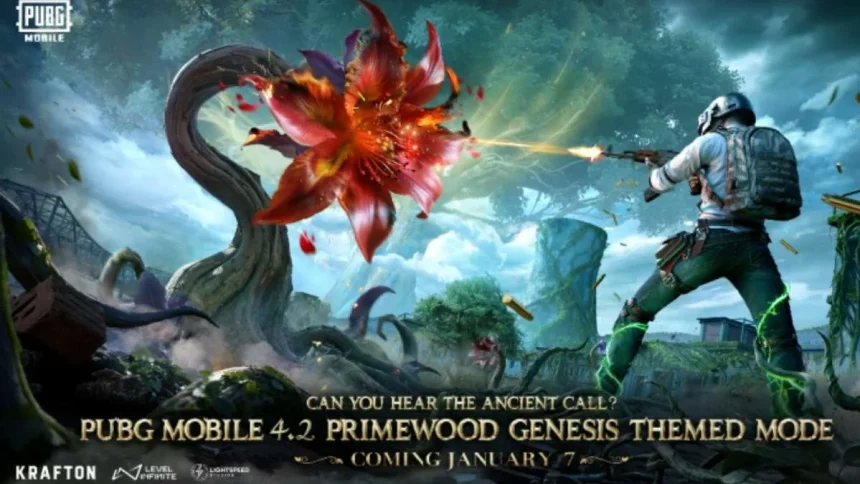
PUBG Mobile version 4.2 comes with the new Primewood Genesis theme. This update adds a nature-focused battlefield, fresh events, and several improvements to Classic Mode. The rollout has started globally on the Google Play Store, with Android devices getting early access. iOS users are expected to receive the update shortly.
Primewood Genesis brings living plants, special portals, and redesigned hot-drop areas like Pochinki and Military Base. Along with this, players will notice smoother controls, weapon balance changes, and better co-op options in Training Grounds. The update also connects with the 2026 Season Series, adding new rank progression and long-term rewards.
How to Download PUBG Mobile 4.2 Update from Google Play Store
Follow these simple steps to install or update PUBG Mobile 4.2 on your Android device.

PUBG Mobile 4.2 APK Download (Google Play Store) – Official Link
- Unlock your phone and open the Google Play Store.
- Tap on the search bar and type PUBG Mobile.
- Select the official PUBG Mobile app published by Level Infinite.
- If the game is already installed, tap Update. New users should tap Install.
- The Play Store will download version 4.2 automatically if it is available in your region.
- Wait for the download and installation to finish. Make sure you have enough free storage.
- Once the button changes to Play, tap it to launch the game.
- On first launch, the game may download extra in-game files like maps and HD resources. Use a stable Wi-Fi connection.
- Log in with your usual account to continue your progress.
- Check the in-game update notice to confirm you are running version 4.2.
What Makes the 4.2 Update Worth Downloading
This update is not just about visuals. Primewood Genesis changes how players approach fights with new terrain elements and interactive zones. Weapon tuning makes gunfights feel more balanced, while ranked improvements reward consistent play across the season.
Another big plus is the clean installation process. Since the update is fully available on the Play Store, players do not have to deal with manual files or risky downloads.
Also Read: PUBG Mobile KR 4.2 Update Is Live With Primewood Genesis Theme