
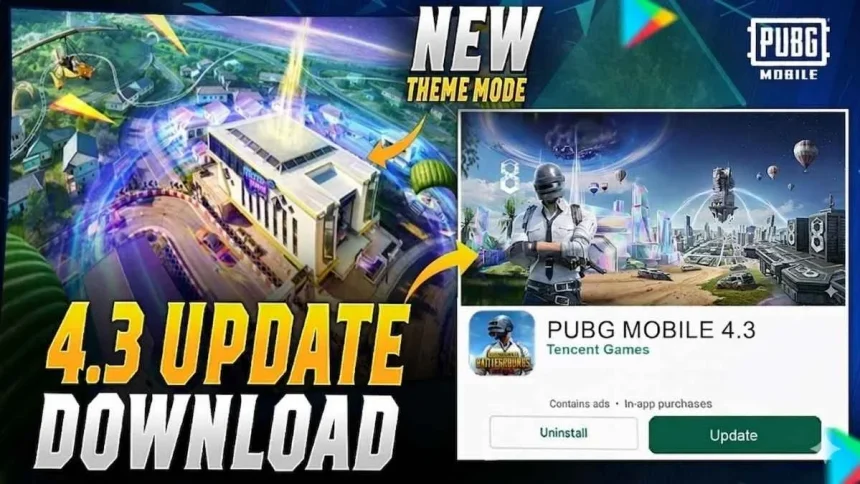
PUBG Mobile has released its new 4.3 update, and it arrives at a special time as the game celebrates its 8th anniversary. This update is much bigger than a normal patch. It introduces a new themed gameplay experience called Evolving Universe, brings a classic rifle called the M1 Garand, and also returns the popular Jujutsu Kaisen collaboration that many players loved in the past.
The update also refreshes parts of the game world, including changes to Erangel, giving players a more futuristic look and new gameplay elements. Because of these additions, many players are excited to install the update and explore the latest features.
If you want to start playing the new version, here is a simple guide explaining how to download PUBG Mobile 4.3 on Android and iOS devices.
How to Download PUBG Mobile 4.3 Update on Android
Android players can update the game in two simple ways. The first method is through the Google Play Store, and the second option is by downloading the APK file from the official website.
Method 1: Update Through Google Play Store
This is the easiest and safest method for most players.

Follow these steps:
- Open the Google Play Store on your Android phone.
- Type PUBG Mobile in the search bar.
- Open the official game page.
- If the update is available, you will see an Update button.
- Tap the button and wait for the download to complete.
Once the download finishes, the game will install automatically.
Sometimes updates are released in stages. If you only see the Play button instead of Update, it means the update has not reached your device yet. In that case, you can wait for some time or clear the Play Store cache and check again later.

Method 2: Download Using the Official APK File
If the Play Store update is delayed in your region, you can install the update manually.
Steps to follow:
- Visit the official PUBG Mobile website using your browser.
- Find the APK Download option for the latest version.
- Download the file to your phone.
- Open the downloaded file and start the installation.
- If your phone asks for permission, enable Install from Unknown Sources in settings.
After installation is complete, open the game and download additional in-game resources if required.
How to Download PUBG Mobile 4.3 Update on iPhone and iPad
For Apple users, updating the game is very simple because it is done directly through the App Store.
Follow these steps:
- Open the App Store on your iPhone or iPad.
- Tap your profile icon at the top right corner.
- Scroll down to see the list of Available Updates.
- Find PUBG Mobile in the list.
- Tap Update to begin the installation.
You can also search for PUBG Mobile in the App Store and press the update button from the game page.
Read More

Important Tips Before Updating
Because this is a large update, it is better to prepare your device before downloading.
Check storage space:
Make sure your phone has at least 3GB to 4GB of free storage. Even though the base update may be smaller, the game may download extra resource packs such as maps, graphics files, and audio content after installation.
Use a stable internet connection:
Large game updates should be downloaded using Wi-Fi whenever possible. This reduces the risk of incomplete downloads and saves your mobile data.
Restart your phone after installation:
Once the update is installed, restarting your device can help the game run smoother. It also helps reduce small problems such as lag or loading issues during the first launch.
What Makes the PUBG Mobile 4.3 Update Special
The 4.3 update is not just about bug fixes. It adds fresh content to keep the gameplay exciting for both new and returning players.
Some highlights include:
- The Evolving Universe theme, which introduces new gameplay environments.
- The addition of the M1 Garand rifle, a powerful and classic weapon.
- The return of the Jujutsu Kaisen collaboration, bringing special themed content to the game.
- Visual improvements and gameplay changes in Erangel.
These additions make the update one of the biggest releases of the year for PUBG Mobile players.