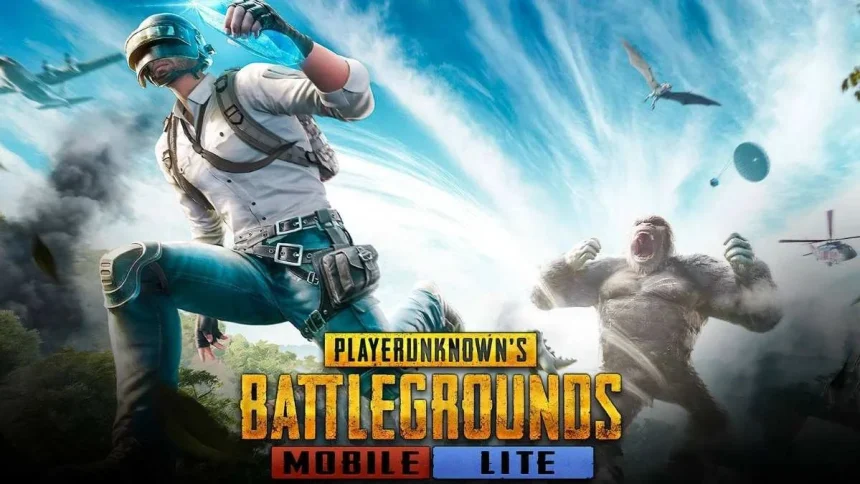
PUBG Mobile Lite is a lighter version of the main PUBG Mobile game. It is made for phones that have low RAM and small storage. This version lets more players enjoy the battle royale experience without needing a powerful device.
In some countries, the game is not available on the Google Play Store. In those regions, players may need to use the official website or play the local version allowed by their country. This guide explains how you can safely download and install PUBG Mobile Lite.
What Makes PUBG Mobile Lite Different
This version uses less space and runs smoothly on basic phones. It keeps the same battle style but with smaller maps and fewer players in each match. This helps the game run faster and use less data.
How to Download PUBG Mobile Lite APK from the Official Website
This is the safest method if you cannot find the game on the Play Store but live in a supported region.
- Open your phone browser like Chrome.
- Go to the official site at pubgmlite.com.
- Look for the download button on the home page and tap it.
The file size is usually around 700 MB, so make sure you have enough free space before starting the download.

After the file finishes downloading, you may need to allow your phone to install apps from outside the Play Store.
- Open your phone settings.
- Go to security or privacy options.
- Allow app installs from your browser or file manager.
Now tap the downloaded file again to install the game. Once it is done, open the app and log in to start playing.
How to Download from Google Play Store
If the game is available in your region, this is the easiest way.

- Open the Google Play Store.
- Search for PUBG Mobile Lite.
- Select the official app by the publisher.
- Tap install and wait for the download to finish.
The game will install automatically, and you can play right away.
Basic Phone Requirements
To run PUBG Mobile Lite smoothly, your phone should meet these basic needs.
- Android version 4.1 or higher
- At least 1 GB of RAM, 2 GB is better for smooth play
- Around 600 MB to 1 GB of free storage space
Common Problems and Fixes
If you see an error that says the app is not installed, check your storage space. You may need to delete old files or apps and try again.
If the game opens but shows a server or region error, it usually means the game is not supported in your country. In this case, you may need to use the official version allowed in your region.
Also Read: Real Madrid Tops, Liverpool Overtakes Premier League In Deloitte Money League