Just like with any long-running game, there comes a point when players decide to step away. Instead of leaving an account unused, some players choose to sell it. This is quite common in games with long progression systems like Clash of Clans.
Below is a simple and clear guide that explains why players sell their Clash accounts, how account value is judged, and what to do before listing an account for sale.
Why Players Sell Clash of Clans Accounts
Players sell their Clash of Clans accounts for many personal reasons. Some of the most common ones include:
- Losing interest after reaching a high Town Hall or completing major goals
- Wanting to earn some extra money from years of progress
- Planning to start fresh with a brand-new account
- Switching to another game and not having time to maintain the village
Progress in Clash of Clans takes years, so many players feel it makes sense to sell rather than abandon their account.
How to Estimate the Value of a Clash Account
Account value depends on several important factors. There is no fixed price, but buyers usually look for strong progress and rare features.

Key things that increase value include:
- Town Hall level and base upgrades
- Hero levels like Barbarian King, Archer Queen, Grand Warden, and Royal Champion
- Troop and spell upgrade levels
- Magic items, skins, and limited-time decorations
- War stars and overall account history
To get a rough idea of pricing, many players compare their account with similar listings on third-party marketplaces or use online valuation tools. This helps set a realistic price instead of guessing.
How to Prepare Your Account for Sale
Before listing your account, proper preparation is very important.

First, make sure the account is clean. It should not be banned, suspended, or under warning. Accounts with issues are very hard to sell.
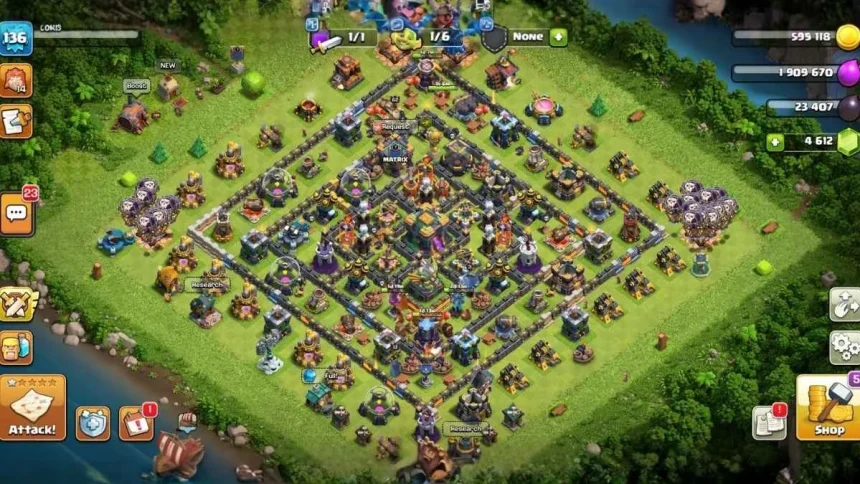
Second, collect clear details about your progress. Screenshots of your village, hero levels, troop upgrades, and special items help buyers trust your listing.
Finally, secure your account. Change passwords, remove linked devices, and back up login details carefully. This reduces problems during the transfer process.
Also Read: COD Mobile Account For Sale? 5 Risks You Must Know First