
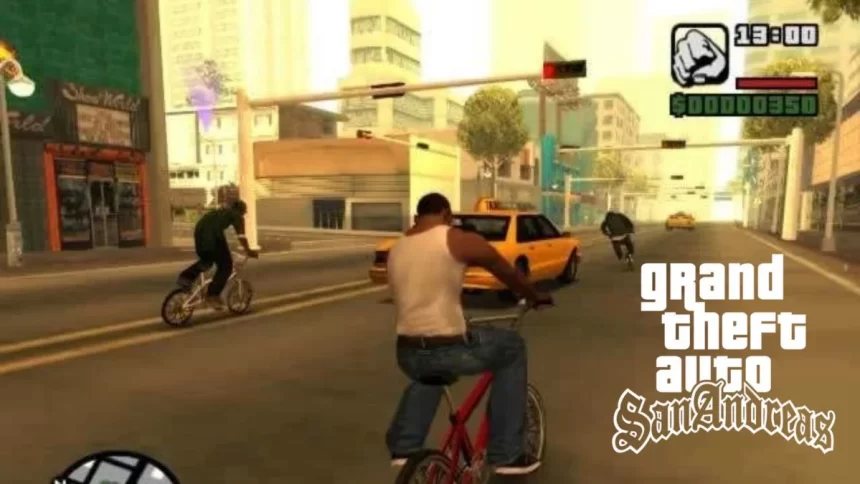
Even after all these years, GTA San Andreas is still one of the most loved games on the PlayStation 2. Players keep coming back for its massive open world, unforgettable story, and freedom to explore. But sometimes, missions can be tough, or you just want to have some extra fun and that’s where cheat codes make the game even better.
Cheats in GTA San Andreas can give you weapons, money, vehicles, and even change the weather. You can enter them anytime during gameplay or while the game is paused, using a simple combination of buttons on your PS2 controller. It’s quick, easy, and instantly changes the way you play.
Below, we’ve put together a clear, updated list of the most useful GTA San Andreas cheats for PS2 in 2025 plus some tips to make the most out of them.
Essential GTA San Andreas PS2 Cheats
Health, Armor, and Money:
R1, R2, L1, X, Left, Down, Right, Up, Left, Down, Right, Up
Infinite Ammo:
L1, R1, Square, R1, Left, R2, R1, Left, Square, Down, L1, L1

Infinite Health:
Down, X, Right, Left, Right, R1, Right, Down, Up, Triangle
Weapon Set 1 (Pistol, Shotgun, etc.):
R1, R2, L1, R2, Left, Down, Right, Up, Left, Down, Right, Up
Weapon Set 2 (Better Firearms):
R1, R2, L1, R2, Left, Down, Right, Up, Left, Down, Down, Left

Weapon Set 3 (Heavy Weapons):
R1, R2, L1, R2, Left, Down, Right, Up, Left, Down, Down, Down
Spawn Rhino Tank:
Circle, Circle, L1, Circle, Circle, Circle, L1, L2, R1, Triangle, Circle, Triangle
Spawn Jetpack:
L1, L2, R1, R2, Up, Down, Left, Right, L1, L2, R1, R2, Up, Down, Left, Right
Lower Wanted Level:
R1, R1, Circle, R2, Up, Down, Up, Down, Up, Down
Maximum Muscle:
Triangle, Up, Up, Left, Right, Square, Circle, Left
Maximum Respect:
L1, R1, Triangle, Down, R2, X, L1, Up, L2, L2, L1, L1
Read More

Maximum Sex Appeal:
Circle, Triangle, Triangle, Up, Circle, R1, L2, Up, Triangle, L1, L1, L1
Perfect Vehicle Handling:
Triangle, R1, R1, Left, R1, L1, R2, L1
Night Time:
R2, X, L1, L1, L2, L2, L2, Triangle
Orange Sky (Time Stays at 21:00):
Left, Left, L2, R1, Right, Square, Square, L1, L2, X
Extra Fun Cheats to Try
- Pedestrians Riot (Game Becomes Chaos Mode):
Down, Left, Up, Left, X, R2, R1, L2, L1 (cannot be disabled without restarting) - Pedestrians Have Weapons:
R2, R1, X, Triangle, X, Triangle, Up, Down - Pedestrians Attack You with Guns:
X, L1, Up, Square, Down, X, L2, Triangle, Down, R1, L1, L1
These “chaos” cheats are great when you’re bored of missions and just want to see the world turn wild.
Tips for Using Cheats in GTA San Andreas
- Save Before Using Cheats – Some cheats can cause glitches or make missions harder. Always save your progress before you try them.
- Mix and Match – Combining cheats can lead to hilarious results. For example, use the Jetpack cheat with Pedestrian Riot for pure mayhem.
- Don’t Overuse – If you play the whole game with cheats, you might miss the challenge and satisfaction of completing tough missions naturally.
- Replay Missions With Cheats – After beating the game, use cheats to replay missions in crazy ways you couldn’t the first time.
Why Cheats Keep GTA San Andreas Alive
Cheat codes are part of what makes GTA San Andreas unforgettable. They let players experience the game in new ways, long after finishing the main story. Whether you’re flying across the map with a jetpack, driving a tank through Los Santos, or turning the streets into all-out chaos, these cheats keep the game feeling fresh even in 2025.
Also Read: PKL 12: Pawan Sehrawat To Lead Tamil Thalaivas, Arjun Deshwal Named Deputy