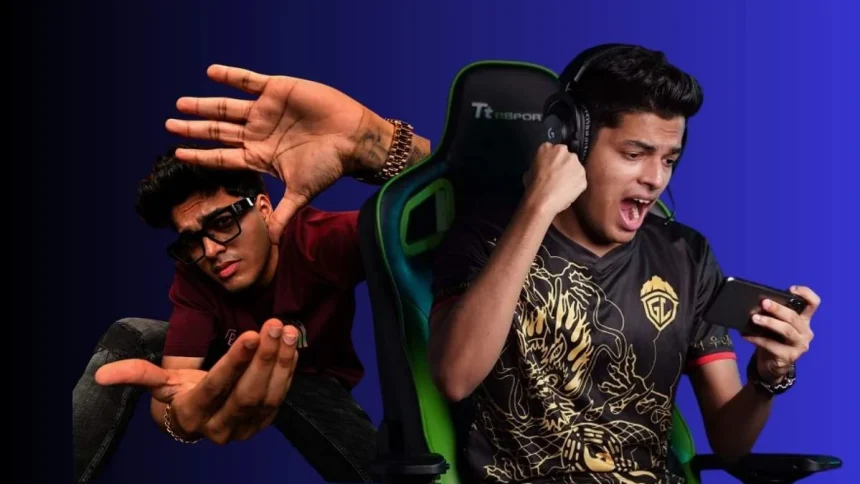
When it comes to BGMI, Jonathan is one of the most popular names in the esports scene. Known for his sharp aim and smooth spray control, he has inspired thousands of players to copy his settings. Many casual gamers and even pro players try to match his gameplay style by using his sensitivity code and controls.
But Jonathan rarely reveals his settings publicly. Luckily, he has shared his latest sensitivity code and controls during one of his YouTube streams. If you’re searching for them, here’s everything you need to know.
Jonathan Sensitivity Code in BGMI
The official Jonathan sensitivity code is:
1-7527-1630-9542-6276-316
By using this code, you can instantly copy his full settings instead of adjusting everything manually. Jonathan currently plays BGMI using a two-thumb claw control setup, which helps him keep better control in fights.
Jonathan Sensitivity Settings
Camera Sensitivity (Free Look)
- TPP (Character, Vehicle): 100%
- Camera: 100%
- FPP (Character): 100%
Camera Sensitivity
- TPP No Scope: 120%
- FPP No Scope: 120%
- Red Dot, Holo, Iron Sight, Canted Sight: 34%
- 2x Scope: 30%
- 3x Scope: 22%
- 4x Scope: 24%
- 6x Scope: 19%
- 8x Scope: 12%
- TPP Aim: 120%
- FPP Aim: 120%
ADS Sensitivity
- TPP No Scope: 110%
- FPP No Scope: 110%
- Red Dot, Holo, Iron Sight, Canted Sight: 88%
- 2x Scope: 88%
- 3x Scope: 24%
- 4x Scope: 24%
- 6x Scope: 12%
- 8x Scope: 10%
- TPP Aim: 120%
- FPP Aim: 120%
Gyroscope Sensitivity
- TPP No Scope: 300%
- FPP No Scope: 300%
- Red Dot, Holo, Iron Sight, Canted Sight: 300%
- 2x Scope: 300%
- 3x Scope: 270%
- 4x Scope: 190%
- 6x Scope: 140%
- 8x Scope: 94%
- TPP Aim: 120%
- FPP Aim: 120%
ADS Gyroscope Sensitivity
- TPP No Scope: 300%
- FPP No Scope: 300%
- Red Dot, Holo, Iron Sight, Canted Sight: 300%
- 2x Scope: 300%
- 3x Scope: 240%
- 4x Scope: 260%
- 6x Scope: 240%
- 8x Scope: 85%
- TPP Aim: 80%
- FPP Aim: 80%
Jonathan Control Settings
Basic Controls
- Left Fire Button: Always On
- Bolt Action & Crossbow Firing: Tap
- Shotgun Firing: Tap
Scope Settings
- Scope Mode: Hold
- Camera Rotation while ADS: Enable
- Quick Scope Switch: Enable
- Canted Sight: Tap to Switch
Peek Settings
- Peek: Enable
- Peek Mode: Hold
- Peek & Open Scope: Disable
- Camera Rotation While Leaning: Enable
Advanced Controls
- Universal Mark: Enable
- Headshot Sound: Enable
- Jump/Climb: Separate
- Quick Throw: Enable
- Transparent UI: Disable
- Slide (Arena): Enable
- FPP Swap: Enable
- Sprint Sensitivity: 100%
Assist Features
- Aim Assist: Disable
- Healing Prompt: Enable
- Auto Open Doors: Enable
- Show Throwables Trajectory: Enable
- Reload Interrupt: Fire Interrupt
- Default Parachute Follow: Enable
Jonathan’s settings are not just random values. They are carefully adjusted to give maximum control over recoil, faster aiming, and smoother movement in fights. That’s why many BGMI players use his sensitivity as a starting point and then tweak it based on their devices and play style.

Tips for Using Jonathan’s Code
- Don’t just copy-paste his settings. Test them in training mode first.
- Adjust slightly depending on your phone’s sensitivity and screen size.
- Learn recoil control with 3x and 4x scopes since Jonathan’s style focuses on long sprays.
- Use gyroscope if you want to master spray control like him.
Also Read: FFWS 2025 SEA Fall: The Grand Finals Lineup Is Here