


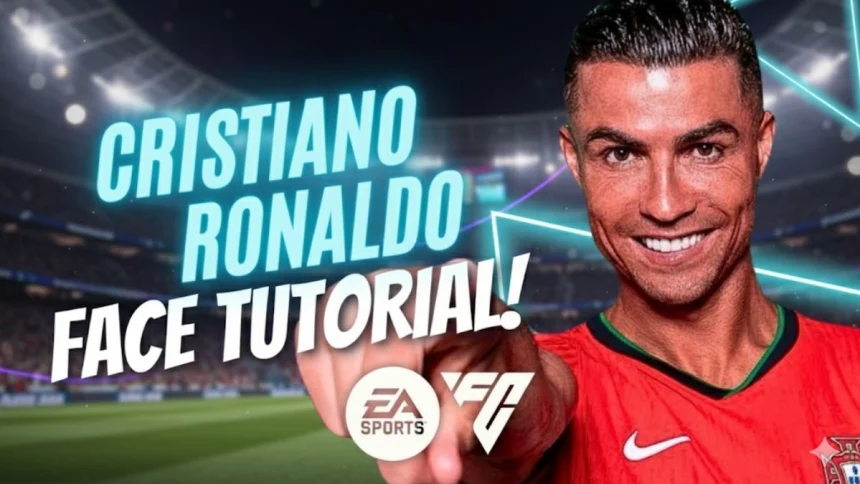
How To Create Cristiano Ronaldo In EA FC 26
Cristiano Ronaldo is one of the most famous footballers in the world, and many gamers want to include him in their EA SPORTS FC 26 journey. While the game features many real-life stars, players also enjoy customizing their squads with accurate face creations.
In this article, we provide a complete step-by-step guide to creating Cristiano Ronaldo in EA FC 26. These settings are designed to make his in-game character look as close as possible to the real player.
Why Fans Create Cristiano Ronaldo in EA SPORTS FC 26
Cristiano Ronaldo has inspired millions of fans with his football skills, records, and personality. Even though he has been officially part of football games for years, many players still prefer editing or customizing him to achieve a more realistic version. This customization adds a personal touch to gameplay and makes Career Mode or Ultimate Team more exciting.
By following the right settings, gamers can replicate Ronaldo’s signature look, including his face structure, hairstyle, and overall appearance.
Step-by-Step Cristiano Ronaldo Face Creation Guide
Here is the detailed breakdown of the YouTube tutorial that shows how to create Cristiano Ronaldo in EA FC 26:


Head and Face Settings
- Skin Tone: Medium tan shade matching Ronaldo’s complexion.
- Face Shape: Oval with sharp jawline.
- Cheekbones: High and defined.
- Chin: Pointed but slightly rounded.
- Jaw: Narrow with sharp edges.
Eyes
- Eye Shape: Almond-shaped.
- Eye Color: Dark brown.
- Eyebrows: Thick and slightly angled, matching his natural look.
Nose
- Nose Shape: Straight with slight width.
- Bridge: Medium, not too high.
- Tip: Narrow.
Mouth
- Lips: Medium thickness.
- Smile: Neutral, to capture his natural look.
Hair
- Hairstyle: Short fade with slicked back top.
- Hair Color: Dark brown to black.
- Texture: Slightly wavy for a realistic effect.
Facial Hair
- Beard: Light stubble to resemble his recent look.
- Beard Color: Same as hair.
Why Customizing Makes the Game Better
Custom face creations allow players to feel more connected to their favorite football stars. When you create Ronaldo with realistic details, matches feel more authentic. For Career Mode players, managing a lifelike Ronaldo adds motivation and fun.
Gamers also share their customized versions online, helping others replicate accurate faces. This community-driven creativity is part of what makes EA SPORTS FC so engaging.
Final Touches for Accuracy
To complete the look, adjust body type, height, and animations:

- Height: 1.87m
- Weight: 83 kg
- Body Type: Lean with muscular build
- Running Style: Signature stride similar to Ronaldo’s real-life movement
These finishing touches bring the creation to life inside the game.

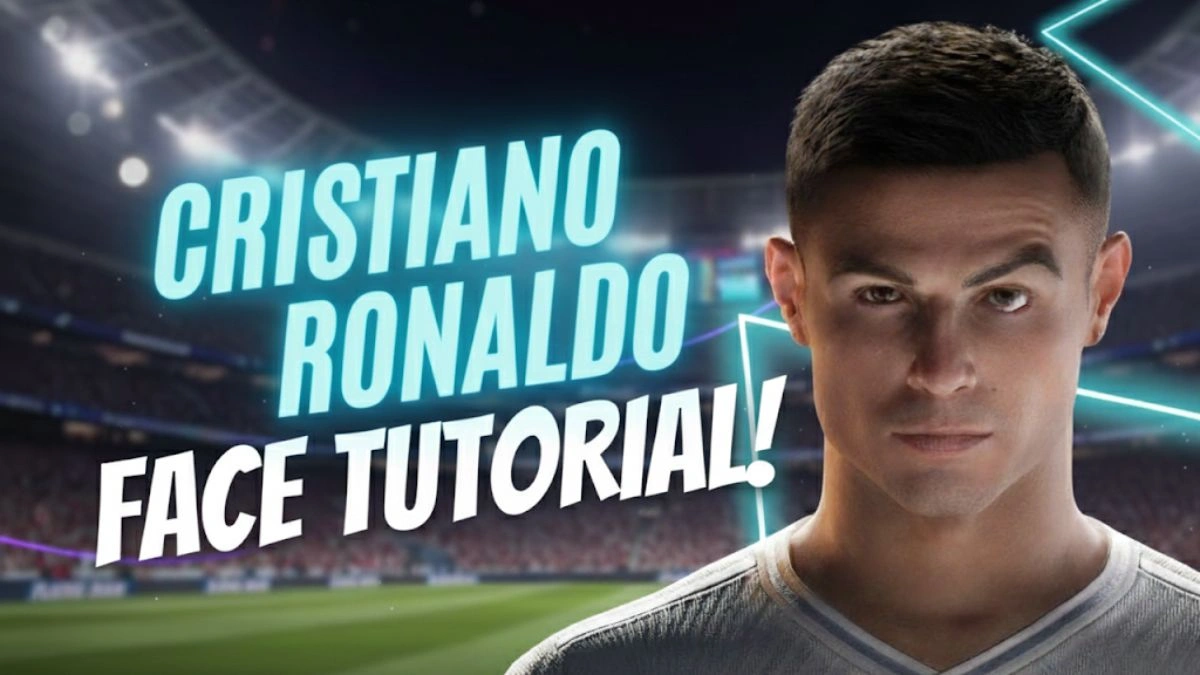
Creating Cristiano Ronaldo in EA FC 26 is a rewarding experience for fans who want to see their idol in full detail. By following the step-by-step settings from the tutorial, players can enjoy a more realistic and immersive gaming experience. Whether in Career Mode or a friendly match, having a lifelike version of Ronaldo makes every game special.
FAQs
Q1. Can I use these Ronaldo settings in all EA FC 26 modes?
A. Yes, once you create him, you can use the player in Career Mode, Kick-Off, or custom tournaments.
Q2. Does Ronaldo already exist in EA FC 26?
A. Yes, but some players prefer editing or customizing him for a more realistic face.
Q3. How long does it take to create Cristiano Ronaldo in the game?
A. It usually takes around 10-15 minutes if you follow the guide step by step.
Q4. Can I share my created Ronaldo with friends?
A. Yes, you can share your settings or upload them for others to download.

Q5. Is it possible to edit Ronaldo’s celebration in EA FC 26?
A. Yes, you can assign his signature “Siuuu” celebration in the player edit menu.
Also Read- How Manchester United Players Forced Sir Alex Ferguson To Sign Cristiano Ronaldo

