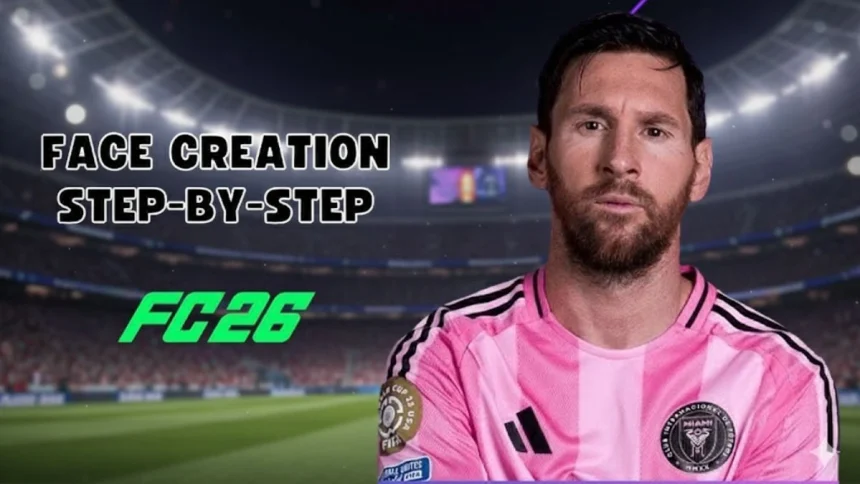
How To Create Lionel Messi In EA FC 26
Lionel Messi is considered one of the greatest football players of all time. His dribbling, passing, and finishing have made him a global icon, admired by millions of fans. Many gamers want him in EA FC 26 with the most authentic look possible.
In this article, we share a complete step-by-step guide to creating Lionel Messi in EA FC 26. By following these settings, you can make a realistic version of Messi that looks close to his real-life appearance.
Why Fans Create Lionel Messi in EA FC 26
Messi is officially available in the game, but many players still choose to customize his face. The reason is simple: face scans sometimes miss his unique expressions and hairstyle updates. By editing him, you can create a more lifelike Messi for Career Mode or Kick-Off.
A realistic Messi in your squad makes the game more immersive and enjoyable, especially when recreating his famous moments on the pitch.
Step-by-Step Lionel Messi Face Creation Guide
Head and Face Settings
- Skin Tone: Light to medium with natural undertone.
- Face Shape: Slightly rounded with defined jawline.
- Cheekbones: Medium, slightly visible.
- Chin: Small and rounded.
- Jaw: Narrower than average.
Eyes
- Eye Shape: Rounded with subtle curve.
- Eye Color: Brown.
- Eyebrows: Medium thickness, slightly arched.
Nose
- Nose Shape: Straight with medium width.
- Bridge: Slightly wider at the base.
- Tip: Rounded.
Mouth
- Lips: Thin upper lip, fuller lower lip.
- Smile: Natural and slightly curved.
Hair
- Hairstyle: Short textured style with slight messy top.
- Hair Color: Dark brown with lighter tones.
- Texture: Slightly straight with natural flow.
Facial Hair
- Beard: Full but short beard, trimmed to match his modern look.
- Beard Color: Dark brown with hints of lighter shade.
Why Customizing Messi Improves Gameplay
Gamers love customizing Messi because it makes the in-game version more accurate and expressive. His iconic beard, unique hairstyle, and facial features can be recreated to reflect his real appearance. This adds personality to matches and makes Career Mode even more exciting.



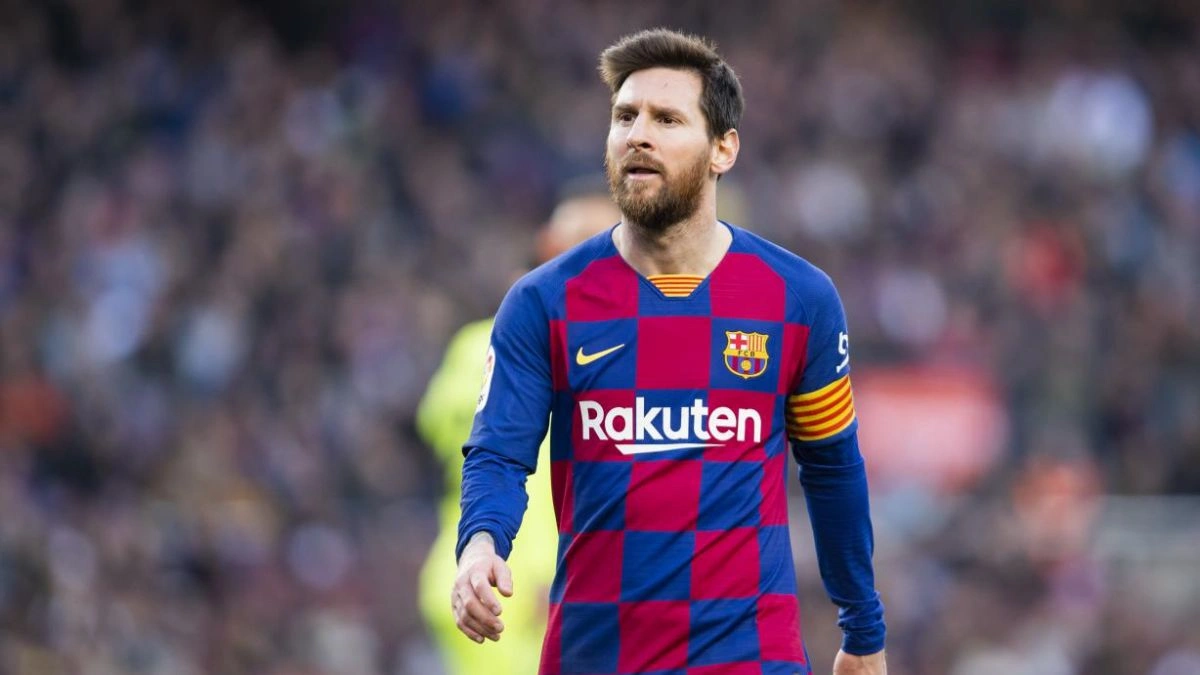
Fans also enjoy sharing their custom Messi creations online, helping others achieve the same results. It builds a stronger community of gamers who admire Messi’s football journey.
Final Touches for Accuracy
To complete the Lionel Messi creation, make sure his physical details and animations match:
- Height: 1.70m
- Weight: 72 kg
- Body Type: Lean and compact
- Running Style: Low center of gravity with quick dribbling stride
These adjustments make him look and move like the real Lionel Messi inside EA FC 26.

Creating Lionel Messi in EA FC 26 gives fans the chance to play with one of the greatest footballers in history in the most realistic way possible. With accurate face, hairstyle, and body settings, your custom Messi will feel lifelike in every match. Whether it is Career Mode or Kick-Off, this version of Messi will bring joy and excitement to your gameplay.
FAQs
Q1. Can I use Messi’s custom version in Career Mode?
A. Yes, once you edit or create Messi, he can be used across different modes.
Q2. Is Messi already included in EA FC 26?
A. Yes, but some players prefer editing him for a more updated and realistic look.
Q3. What hairstyle suits Messi best in the game?
A. The short textured style with slight messy top is closest to his real appearance.
Q4. Can I give Messi his famous celebrations in EA FC 26?
A. Yes, you can assign his signature pointing to the sky celebration.
Q5. How long does it take to create Messi accurately?
A. With careful settings, it takes around 10-12 minutes.

Also Read- How To Create Cristiano Ronaldo In EA FC 26 Career Mode